Screenshot Capture Easy Touch
Publisher Description
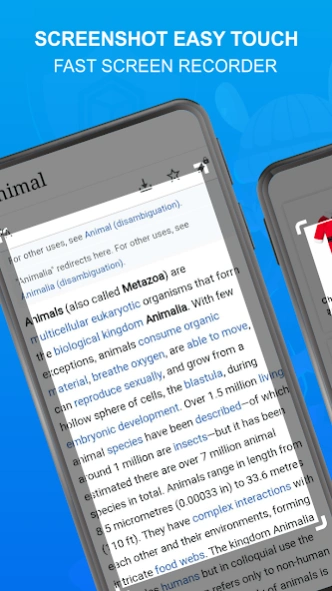


Screenshot Easy Touch is simple , smallest and fastest screenshot taking app.
This
Screenshot Capture Easy Touch
application uses accessibility services. Only used for auto clicker and global key operation. You need to allow this permission to perform these operations of this app.
Screenshot Capture Easy Touch
this app will take screenshots on your phone or other Android device in an easy way. The screen recorder allows you to capture a video which you can easily share with your friends. Capture full screen scroll pages, with the scrolling screenshot functionality.
There is a Floating button on this
Screenshot Capture Easy Touch
app to capture the screen that is displayed on top of everything. You can take the screenshot easily with one touch on the screen. Floating button always remains on the top of the screen, so that you can capture it easily at any time.
For using this
Screenshot Capture Easy Touch
app you need to use this capture monitoring service. This is a simple button that is displayed on the top of everything and just in one click you should take a screenshot easily.
Feature
➔ One-touch Floating button.
➔ Time interval to capture screen.
➔ Notification icon click.
➔ Capture screenshot by one touch.
➔ Crop screenshot to the desired size.
➔ Save screenshot and screen recorder in My Creation .
➔ Sharing and deleting screenshot and screen recording options.
➔ You can edit screenshot like crop, blur etc
If you like this
Screenshot Easy Touch - Fast Screen Recorder
app share this app to your friends and family.
About Screenshot Capture Easy Touch
The company that develops Screenshot Capture Easy Touch is Club of Cinemas. The latest version released by its developer is 1.0 .
To install Screenshot Capture Easy Touch on your Android device, just click the green Continue To App button above to start the installation process. The app is listed on our website since 2025-09-16 and was downloaded 0 times. We have already checked if the download link is safe, however for your own protection we recommend that you scan the downloaded app with your antivirus. Your antivirus may detect the Screenshot Capture Easy Touch as malware as malware if the download link to kirkin.club.screenshorteasytouch is broken.
How to install Screenshot Capture Easy Touch on your Android device:
- Click on the Continue To App button on our website. This will redirect you to Google Play.
- Once the Screenshot Capture Easy Touch is shown in the Google Play listing of your Android device, you can start its download and installation. Tap on the Install button located below the search bar and to the right of the app icon.
- A pop-up window with the permissions required by Screenshot Capture Easy Touch will be shown. Click on Accept to continue the process.
- Screenshot Capture Easy Touch will be downloaded onto your device, displaying a progress. Once the download completes, the installation will start and you'll get a notification after the installation is finished.
